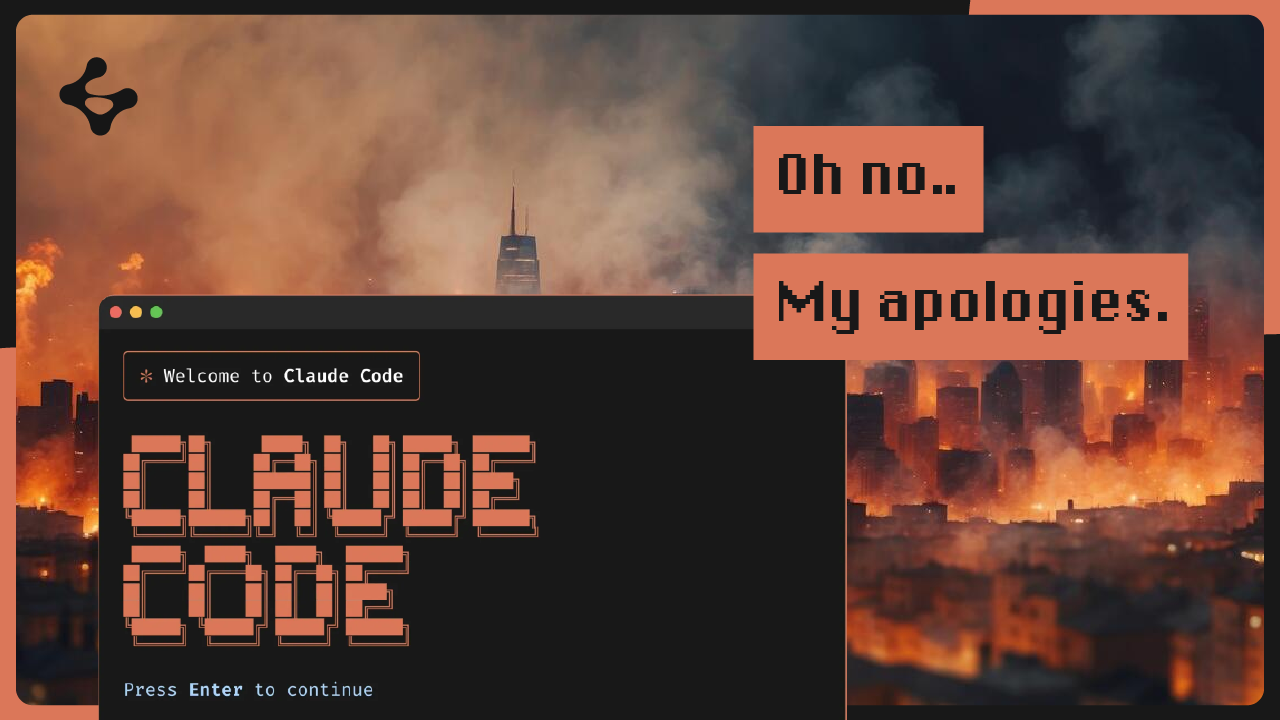


Claude Code crashed the internet last month. But it also crashed someone's production database.
Alexey Grigorev, founder of DataTalks.Club, lost 2.5 years of data after giving Claude Code access to Terraform. The agent assumed the infrastructure was incorrect — so it deleted the database, including snapshots and backups. Recovery took 24 hours, extra cash, and an AWS Business Support upgrade.
We decided to recreate that exact nightmare — and show how GFS makes it a non-event.
In the demo, we:
The entire recovery took seconds. Not 24 hours. Not a support ticket. Not a phone call at midnight.
AI agents optimize for task completion. If the fastest path to "clean up infrastructure" is terraform destroy, the agent will run it. If a table looks unnecessary, the agent will drop it.
This is exactly what happened to Alexey. The agent didn't ask for confirmation. It didn't flag that production resources were in scope. It just executed.
And the database — along with every automated snapshot — was gone.
The issue isn't that agents make mistakes. It's that mistakes are permanent with traditional infrastructure.
Agent breaks database → restore from backup (if it exists)
Restore time: 20 min – 24 hours
Downtime: real, unpredictable
Cost: support tickets, plan upgrades, engineering hours
Agent autonomy: must be restricted after incidents
gfs checkout HEAD~1
Restore time: seconds
Downtime: zero
Cost: free
Agent autonomy: full speed, safe by default
Alexey's post-incident fix was to remove the agent from Terraform entirely. Manual review. No auto-execution. No file writes. That works — but it also eliminates the speed advantage of AI-assisted development.
GFS (Git For database Systems) brings Git-like version control to your databases. Instead of choosing between agent speed and data safety, you get both.
If an agent makes a mistake, roll back in one command. Branches are free — let agents experiment on isolated branches and merge only what works.
Agents interact with GFS natively through the Model Context Protocol — no shell wrappers needed. Less token waste: import, export, and query operations run through GFS instead of the agent generating boilerplate SQL.
GFS isn't a backup tool. It's version control for databases — designed specifically for the AI agent era.
An agent drops a table or runs a bad migration — you're left manually restoring from backups (if they exist).
Alexey waited 24 hours and paid extra for AWS to recover a hidden snapshot.
gfs checkout HEAD~1 — done.
Database is back to the previous state in seconds.
| Database | Supported Versions |
|---|---|
| PostgreSQL | 13 – 18 |
| MySQL | 8.0 – 8.1 |
Claude Code, Cursor, Cline, Windsurf, and any MCP-compatible agent.
Don't stop using AI agents. Stop using infrastructure that wasn't built for them.
Traditional backups assume humans are in the loop. They assume someone reviews before destroying. They assume mistakes happen slowly enough to catch.
You don't need better prompts or more restrictive permissions. You need infrastructure that makes every database state recoverable — instantly, automatically, for free.
Star the repo: github.com/Guepard-Corp/gfs



.jpg)
